Startechcom SV231UADVI Manual do Utilizador
Consulte online ou descarregue Manual do Utilizador para Acessórios para Computador Startechcom SV231UADVI. StarTech.com SV231UADVI User Manual Manual do Utilizador
- Página / 10
- Índice
- MARCADORES

Resumo do Conteúdo
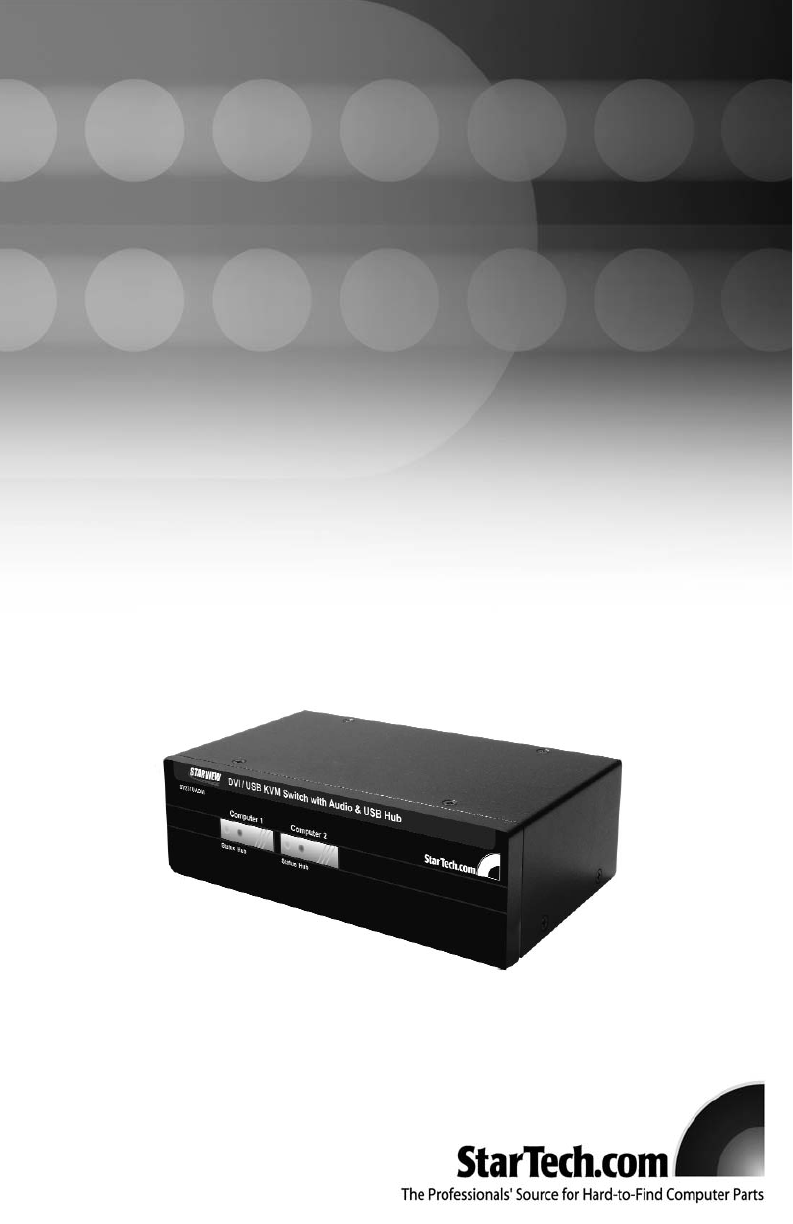
USB DVI KVM SwitchSV231UADVISV431UADVIInstruction ManualActual product may vary from photo2 Port USB DVI KVM Switch with Audio Support4 Port USB DVI K
Revised: 13 June 2005 (Rev. A)AAbboouutt SSttaarrTTeecchh..ccoommStarTech.com is “The Professionals’ Source for Hard-to-Find ComputerParts”. Since 19
FFCCCC CCoommpplliiaannccee SSttaatteemmeennttThis equipment has been tested and found to comply with the limits for a Class B digitaldevice, pursua
TTaabbllee ooff CCoonntteennttssIntroduction . . . . . . . . . . . . . . . . . . . . . . . . . . . . . . . . . . . . . . . . . . . . . . . . . . .
IInnttrroodduuccttiioonnThank you for purchasing a StarTech.com USB and DVI KVM switch. This product allowsyou to switch 2 or 4 computers (depending o
IInnssttaallllaattiioonnThis section details how to connect your computers to the KVM switch. For best results,ensure that all the computers to be con
3. Using a USB Type A to Type B cable, connect the “A” (flat) end to an available USB port on the computer. Connect the opposite end to the “B” (D-sha
Keyboard Hotkey Command Reference ChartBinding/Unbinding control: By default the switch will automatically switch USB hub and audio control to the KVM
AAcccceessssoorryy PPrroodduuccttss ffrroomm SSttaarrTTeecchh..ccoommContact your local StarTech.com dealer or visit www.startech.com for cables or
TTeecchhnniiccaall SSuuppppoorrttStarTech.com’s lifetime technical support is an integral part of our commitment to provideindustry-leading solutions
Manuais e produtos relacionados com Acessórios para Computador Startechcom SV231UADVI
 (8 páginas)
© 2020, manymanuals-pt.com. Todos os direitos reservados. | 0.057 s |
 Manymanuals.com
 Manymanuals.de
 Manymanuals.fr
 Manymanuals.it
 Manymanuals.pl
 Manymanuals.cz
 Manymanuals.es
 Manymanuals-pt.com
Comentários a estes Manuais